





A Powerful Agentic OS Running Inside Your Mac. Secure. Fast. Yours.
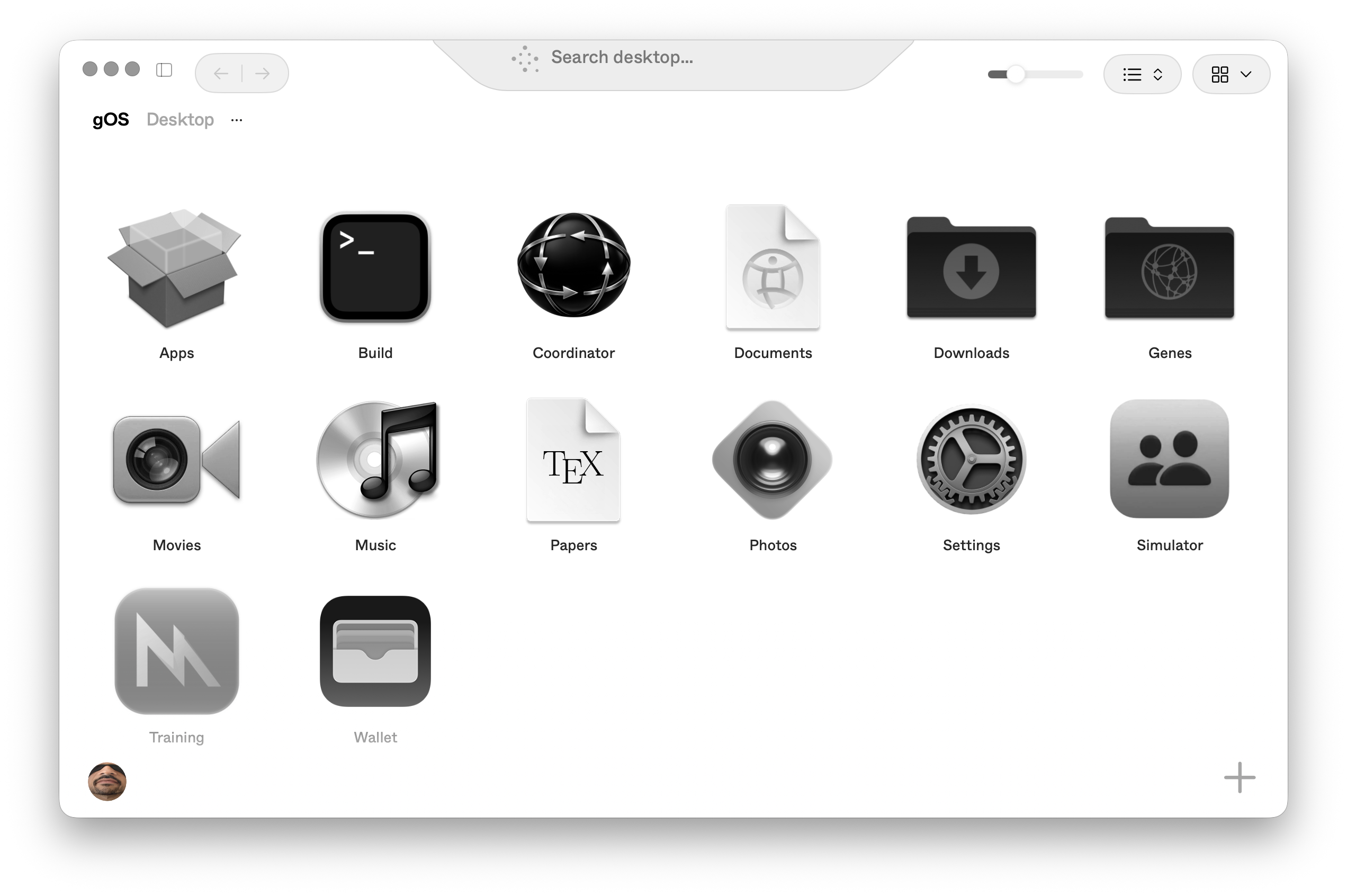
Run Frontier Models Directly On Your macOS
File System
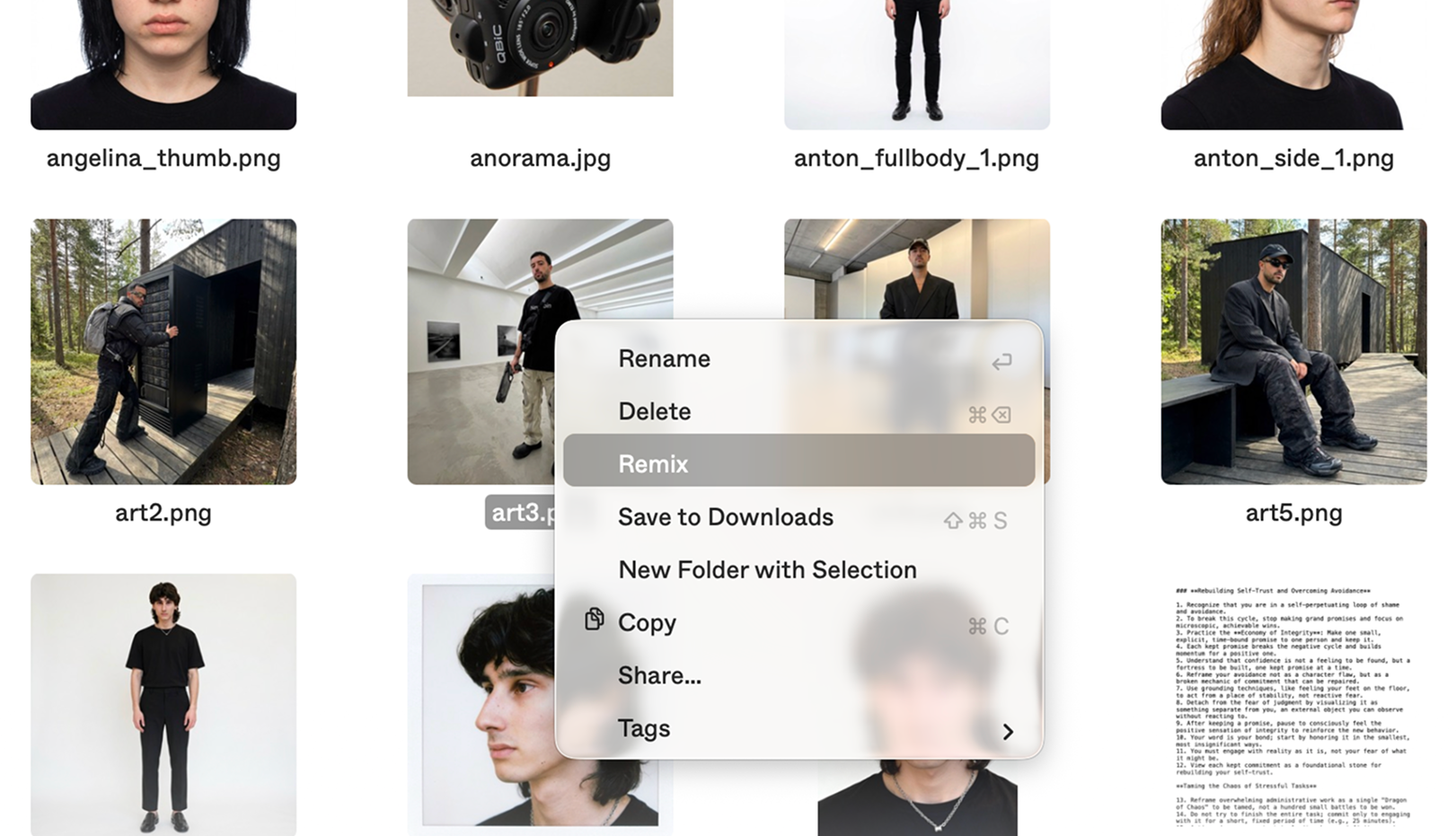
Let It Cook gOS Builds Itself
One Prompt At A Time
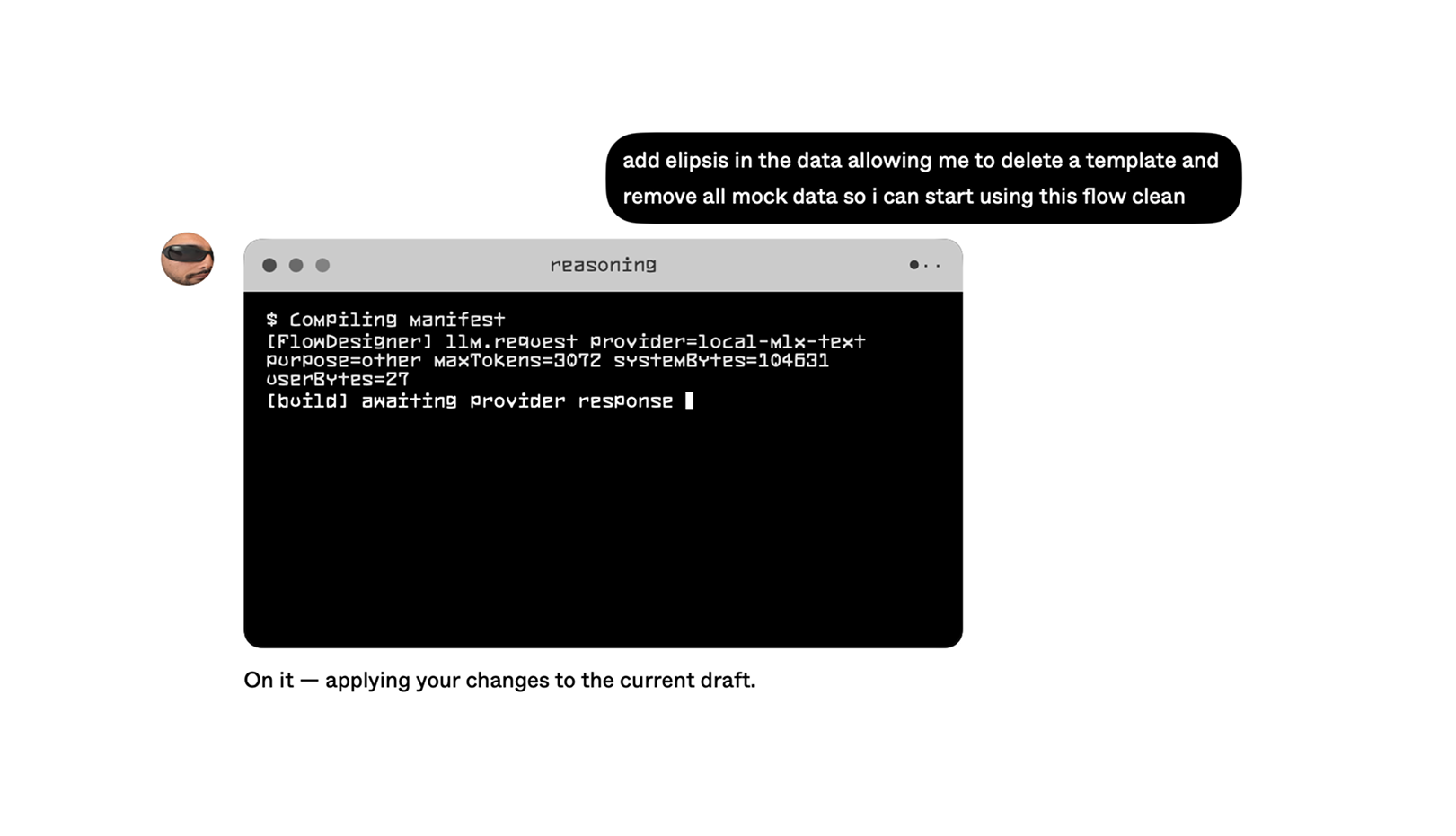
Augment Your Creativity Multiply Your Mind With Powerful Tools.
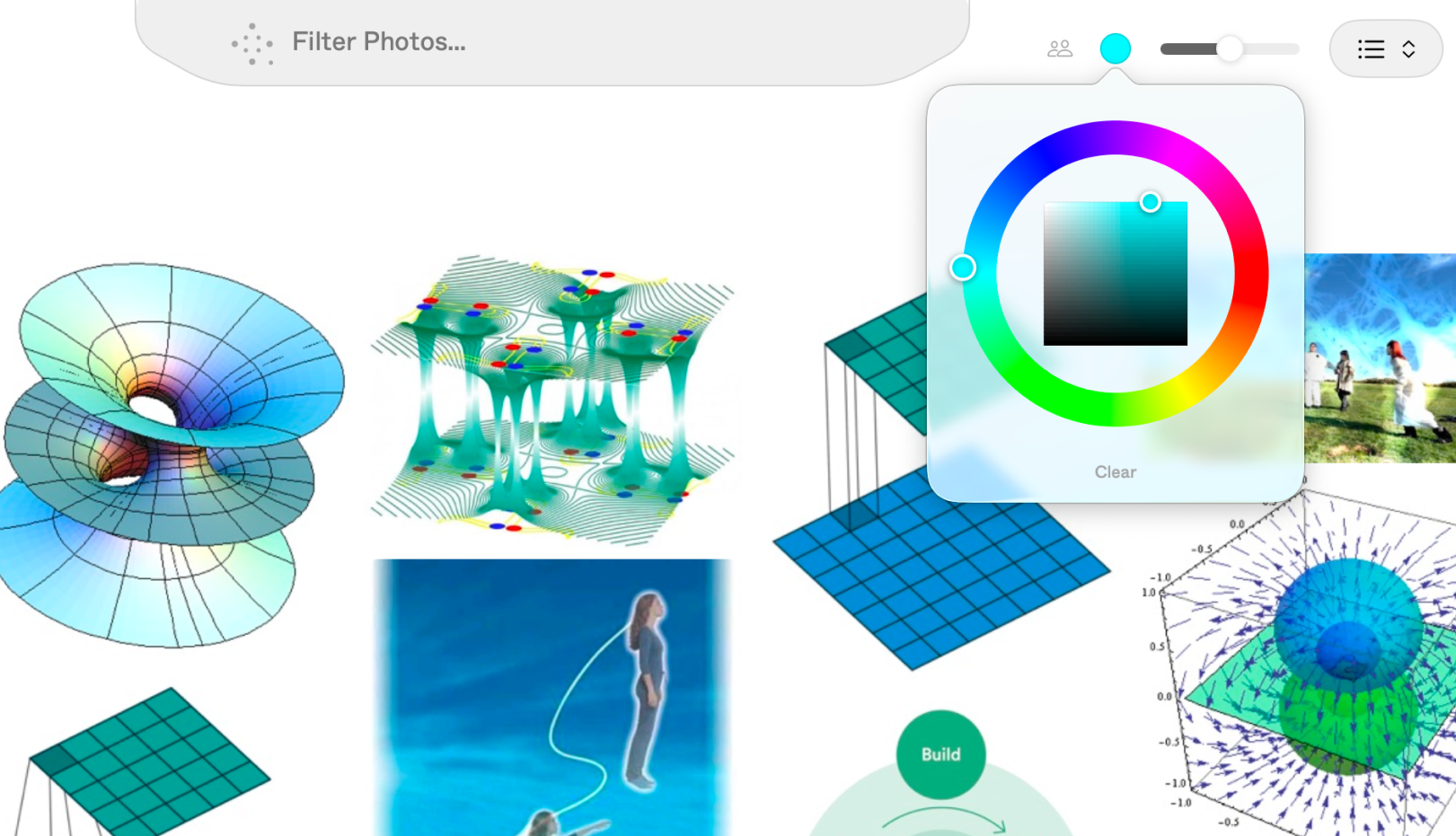
Upload Your Mind Your Clone Works 24/7
Living Inside Your Mac

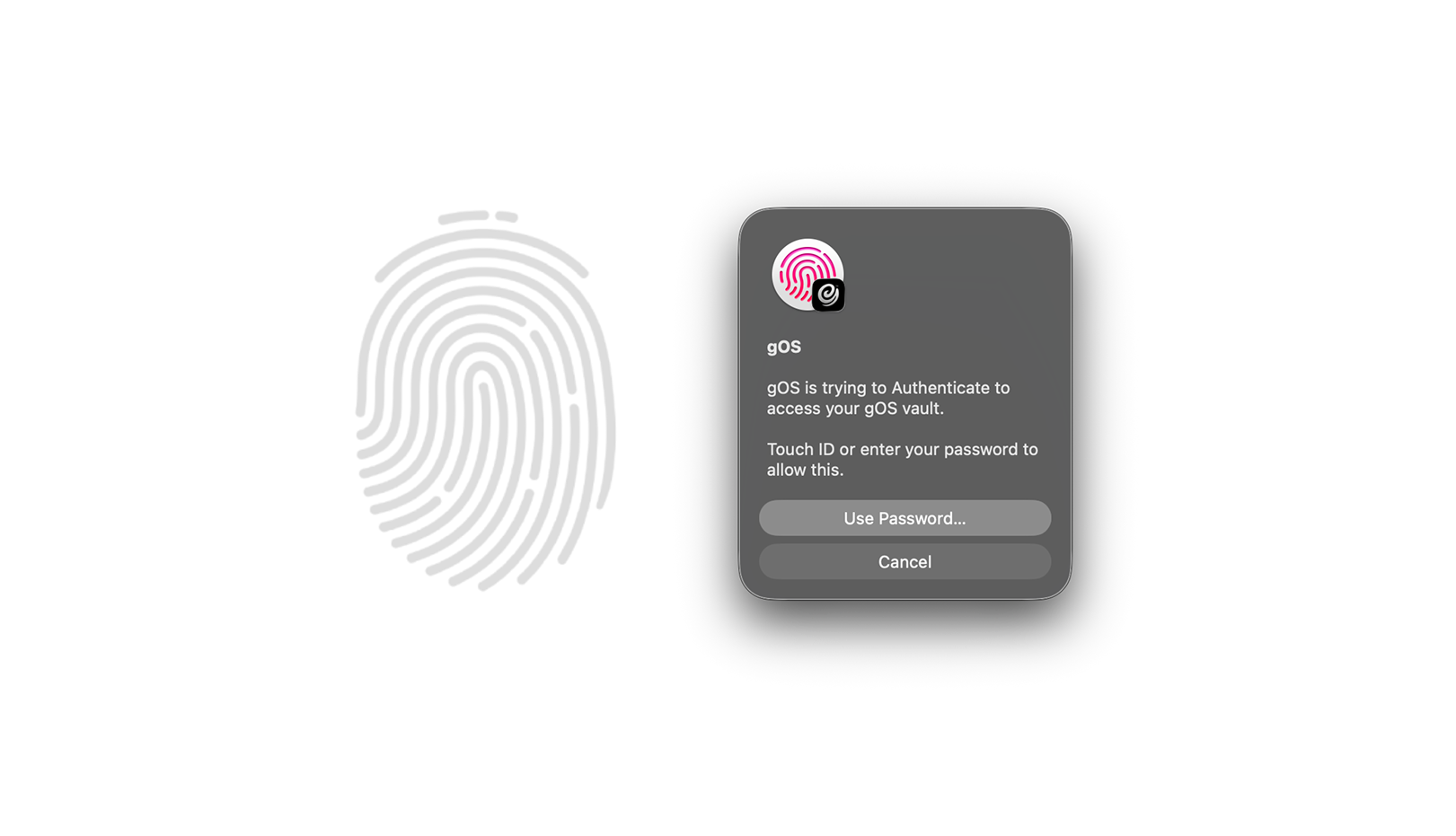
You Are in Control Biometric Security
Powered By TouchID
A Motorcycle For The Mind
Imagine a world where your mind is multiplied.
Frequently Asked
What is gOS?
gOS is a Mac-native AI workspace built around a personal executive agent called the Sim. It brings together chat, voice, files, workflows, memory, and model routing so a request can become an actual outcome: a document, edit, search result, plan, generated asset, completed workflow, or saved decision.
What is the Sim?
The Sim is the user's persistent executive agent. It is not just a chatbot. It chooses scope, retrieves relevant context, reasons over the task, launches flows, uses tools, observes outcomes, and learns from what happened.
What are Flows?
Flows are reusable executable workflows. A Flow can gather inputs, call models or tools, render UI, produce files, and save results. Built-in examples include things like research, scraping, media workflows, mind upload, coordination, and custom interface building.
Can I build my own workflows?
Yes. gOS includes a Flow Designer for authoring new flows. Flows are backed by manifests, reusable atoms, and structured UI components, so a workflow can become something the Sim can call again later.
Does gOS use local AI or cloud AI?
Both, depending on the task and user preference. gOS is designed around routing: fast local work can run through local models or runtimes, while deeper or specialized tasks can route to cloud providers when allowed. Privacy, capability, speed, and task depth all matter.
Is my data private?
gOS treats privacy as a core routing decision. Some turns can be private and local-first; others may be allowed to use remote providers. Runtime data lives inside the macOS app sandbox, and protected durable changes are designed to require explicit approval.
How is gOS different from a normal AI chat app?
A normal chatbot mainly replies. gOS is built to operate across a workspace. It can route intent, search files, launch flows, remember context, render structured interfaces, use voice, inspect traces, and turn repeated work into reusable capabilities.
Does gOS learn from what I do?
Yes, but durable changes are meant to be governed. gOS records learning events, outcomes, ratings, selections, and other signals. Those can produce proposals, but protected changes like promoting a flow or changing defaults require approval.
Does gOS support voice?
Yes. Voice is a first-class surface. The voice system shares the same transcript and session model as chat, so speaking to the Sim is not a disconnected side channel.
Is there an iPhone companion?
Yes. gOS includes an iPhone companion path for pairing with the Mac, local-network discovery, voice/chat surfaces, and secure identity concepts. The Mac remains the primary workspace.
Who is gOS for?
gOS is for people who want an AI system that can grow with their work: researchers, builders, designers, operators, writers, developers, and anyone with recurring workflows that should become tools instead of repeated prompts.
What is the long-term vision?
The vision is an AI-native workspace where every useful outcome becomes addressable, inspectable, reusable, and learnable. gOS is designed around a simple loop: search, combine, learn. Over time, that loop turns scattered work into an increasingly capable personal operating layer.